For most of the remainder of October Tuesdays and Thursdays, our CM412 class will be shooting video at the Arts and History Museum in Gaffney. Plan to be on-site at 11:00am promptly to set up lights, cameras and audio for our guest shots.
We will go into post-production in November with video and audio editing, and will post our videos and smart-code them for guest access. We will also look over our curated research and select other materials to link to the museum exhibits.
BUT - for THURSDAY, October 16, you will play "catch-up/tidy-up" with your blogs! Review your blogs for content, writing, links, embedded video, etc. Rewrite your blog entries to reflect a quality style fit for a professional blog, add hyperlinks to access outside material, and add video and photos to make you blogs interesting.
Check you colleagues' blogs to make sure you aren't missing any entries - and steal as many good ideas as you can from one another!
As students work towards completing their Pecha Kucha presentations, they will be delving into many digital resources, ranging from video clips to informative blogs, from legal-use images to online magazine articles. How can they keep such disparate digital information sorted, saved, organized and available from anywhere?
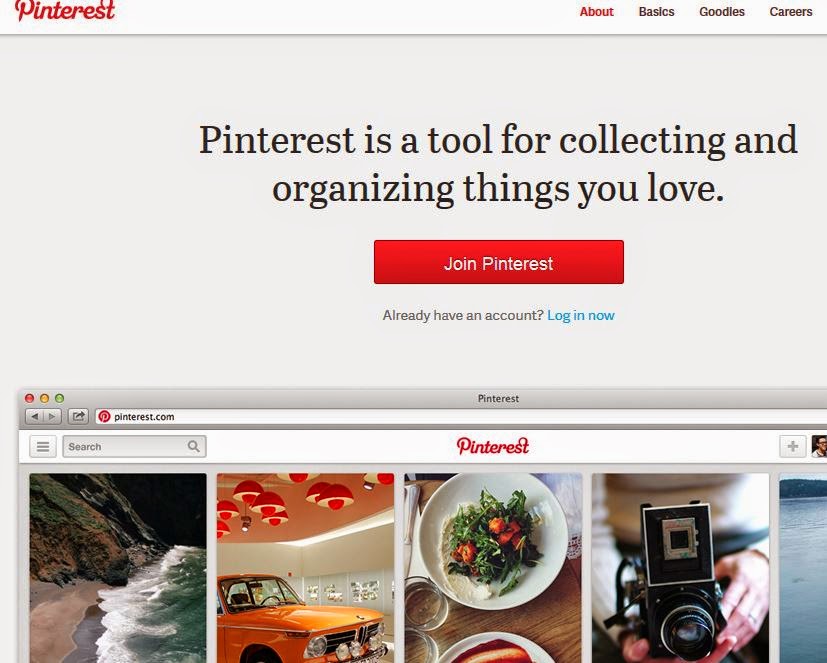
Glad you asked!Students will explore digital Curating Tools and will set up a board, topic, category, wall, etc. on the curating site of their choice! They will share how they use these links in class on Wednesday. Students will use curating sites such as:
Students will combine a number of techniques from class discussion and exercises, ranging from Garr Reynolds' Presentation Zen Tips to the Assertion-Evidence Approach (and much more) to create an engaging presentation in a "liberating constraint" called Pecha Kucha!
Pecha Kucha is an intentionally innovative mode for presentations that require presenters to use only 20 slides and to speak for only 20 seconds per slide - for a total of 400 seconds in a presentation! It forces communicators to think carefully about the visual communication taking place in each slide - and to write carefully to maximize the verbal communication in each slide.
Students will begin developing a Pecha Kucha presentation which will showcase all their knowledge in the course topics - and will present their masterpieces LIVE as part of their final project requirements. Check out the class resources here: http://limestonedigital.weebly.com/digital-literacies.html
Yeah, PowerPoint can be pretty bad... but there is a reason for the badness. In class we discussed how new media literacies are formed via Remediation (Bolter & Grusin.) We also considered Marshall McLuhan's observation that, in its infancy, every new medium contains the old medium/media as the content. We previewed four ways to break bad PowerPoint habits: 1) Get Better Examples, 2) Think Outside the Box (Break the template), 3) Explore the Methods of New "Best Practices," 4) Adopt Liberating Constraints.
Students will post their reflections on our discussions, and will try their hand at imitating a better example of a "good" slide show from SlideShare - and will discuss what makes their selection a "good" example.